Bookmarks
ExploreLatest additionsCategoriesCollectionsBlogGlossary
Categories
Utility29Inspiration24Resources21Tool13AI9Learning9Productivity4Collection2Reading1
ExploreLatest additionsCategoriesCollectionsBlogGlossary
Bookmarks

A hand-picked directory of 112 useful websites. All the tools & resources you need, in one place.

Categories
UtilityInspirationResourcesToolAILearningProductivityCollectionReading
Collections
Motion & micro-interactionsColor toolkitFree design assetsSketch & brainstormLogo & brand inspirationWeb UI referencesSEO & launch
Explore
Latest additionsAll bookmarksBlogGlossary
© 2026 BookmarksBuilt by Muhammad Osama
Home/Blog/Two tools for every color palette
Color · 1 min read

Two tools for every color palette

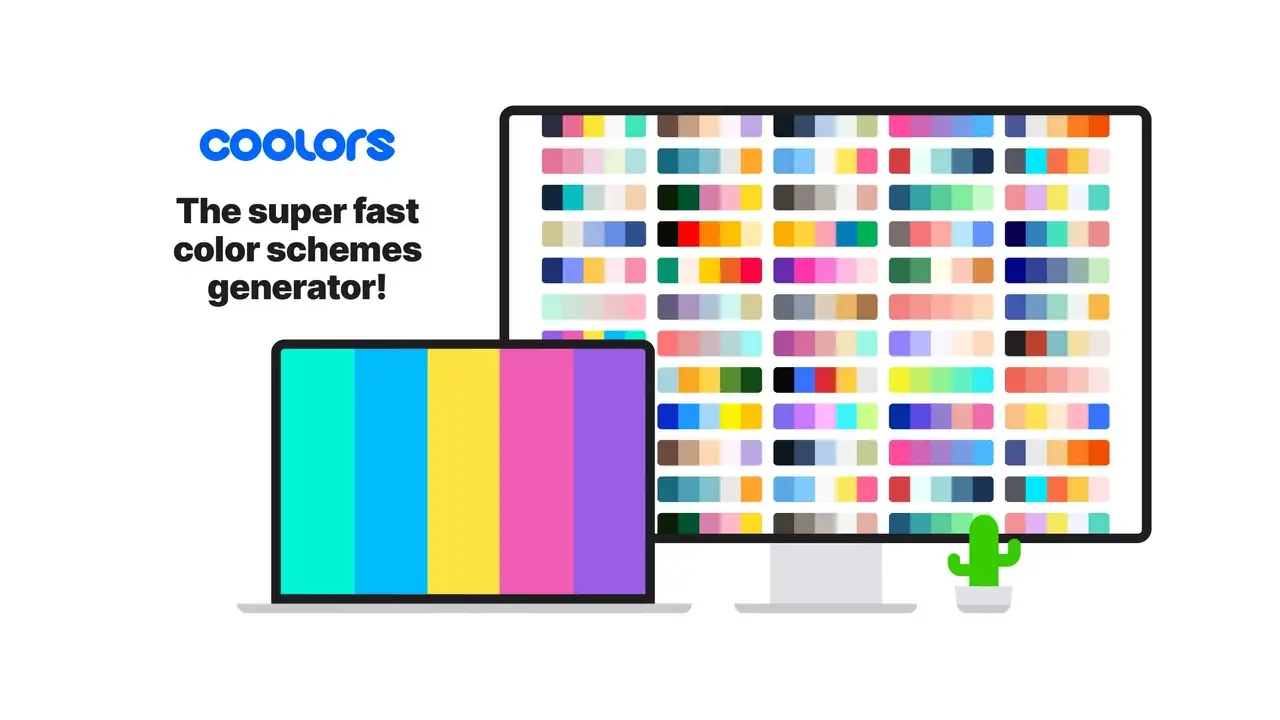
Picking colors is two different jobs. First you need a direction: a mood, a small set of hues that work together. Coolors is built for that — it collects thousands of trending palettes you can browse, save and tweak.

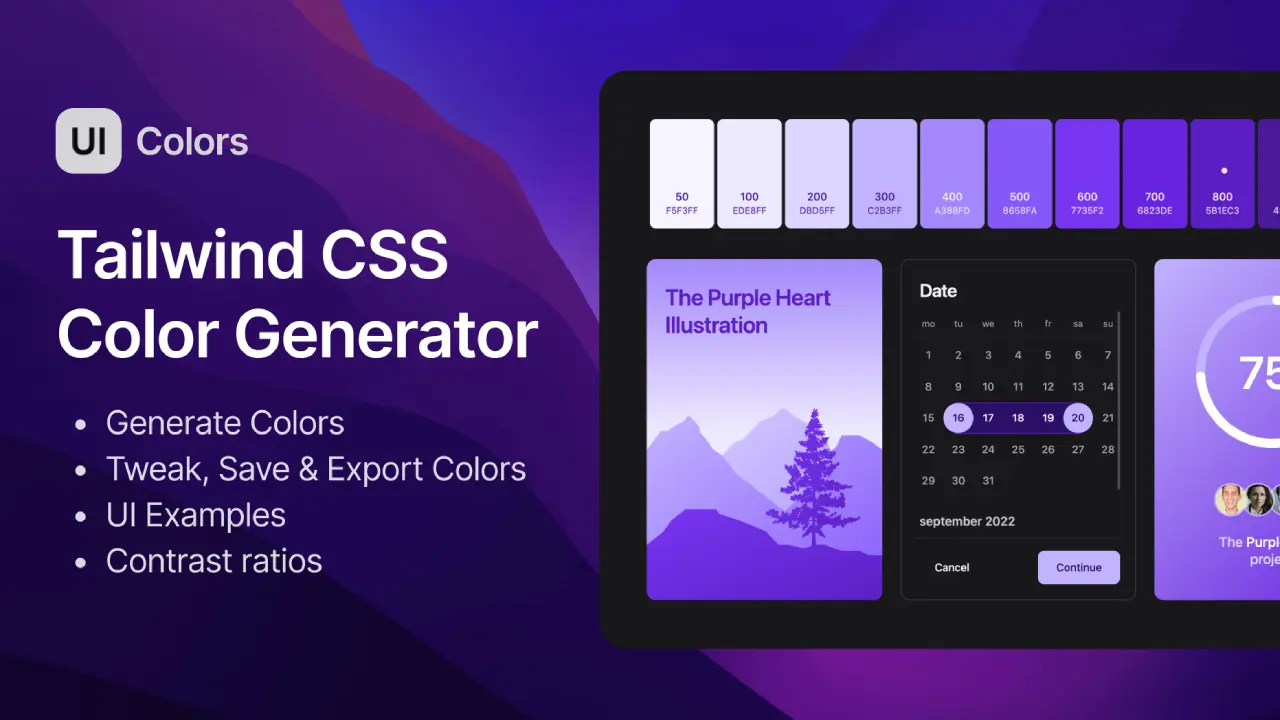
Once a base color is chosen, an interface needs more than five swatches. It needs tints and shades for backgrounds, borders, hover states and text. UI Colors takes a single value and generates that full range, from the lightest step to the darkest.

Used together, the first gives you the idea and the second makes it usable in a real product.
Bookmarks in this post

Thousands of beautiful color palettes inspiration.

Coolors•Palette Generator

Get hue values of any color. From one shade to another.

UI Colors•Tailwind Shade Generator

More from the blog

Where to study good UI motionA free design stack that runs in the browser